From the first call to the final invoice, on one record.
Schedule, dispatch and complete jobs with a technician app — connected to the vehicle that went, the asset that was worked on and the hours that were spent.
Mobile appfor technicians, with photos, forms and sign-off
Livesee every job and every vehicle on the same map
Costedlabour, travel and parts against each job
01 · Jobs & scheduling
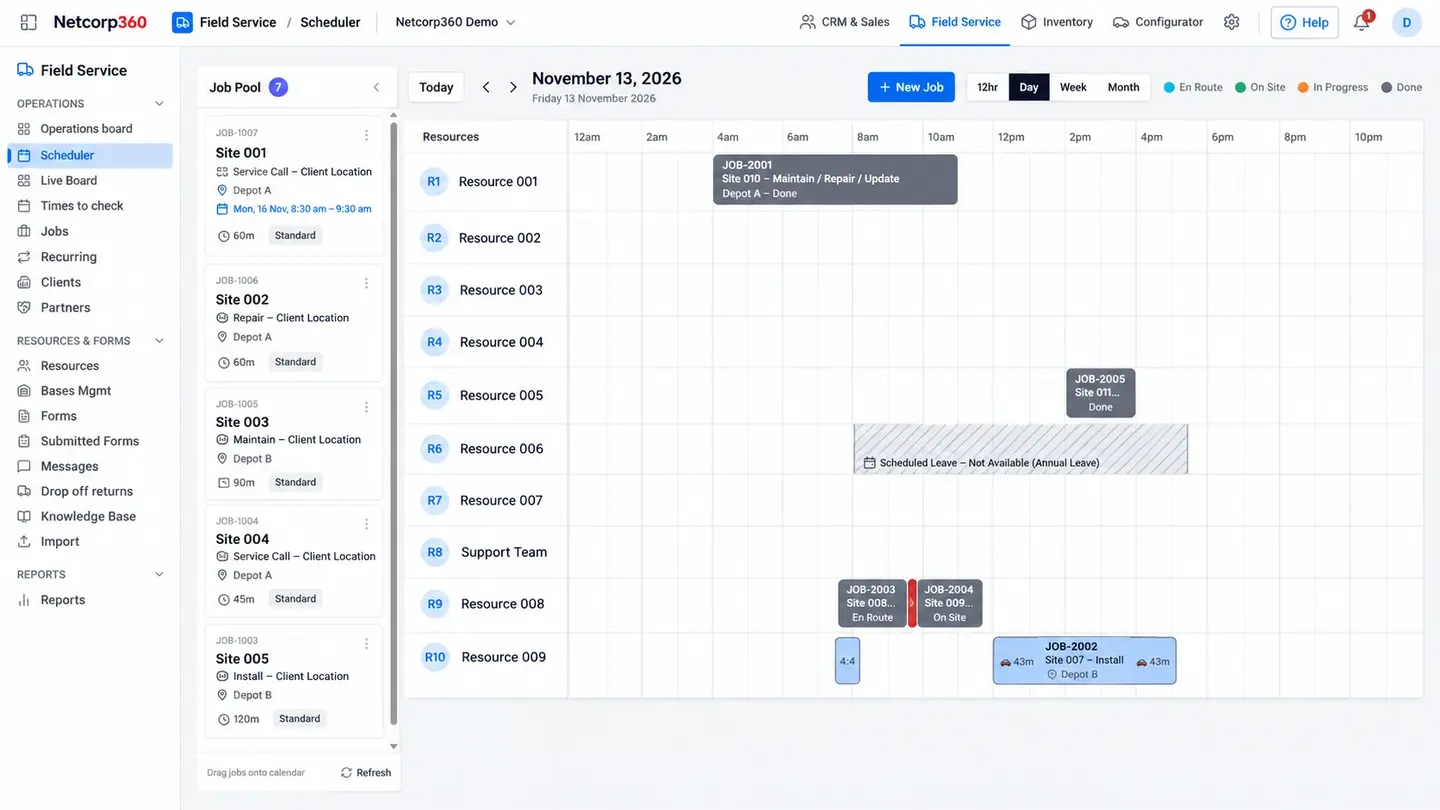
Plan the day in minutes.
Create jobs, schedule them and assign them to the right person, with skills, tickets and availability in view.
02 · Dispatch board
See the plan and the reality together.
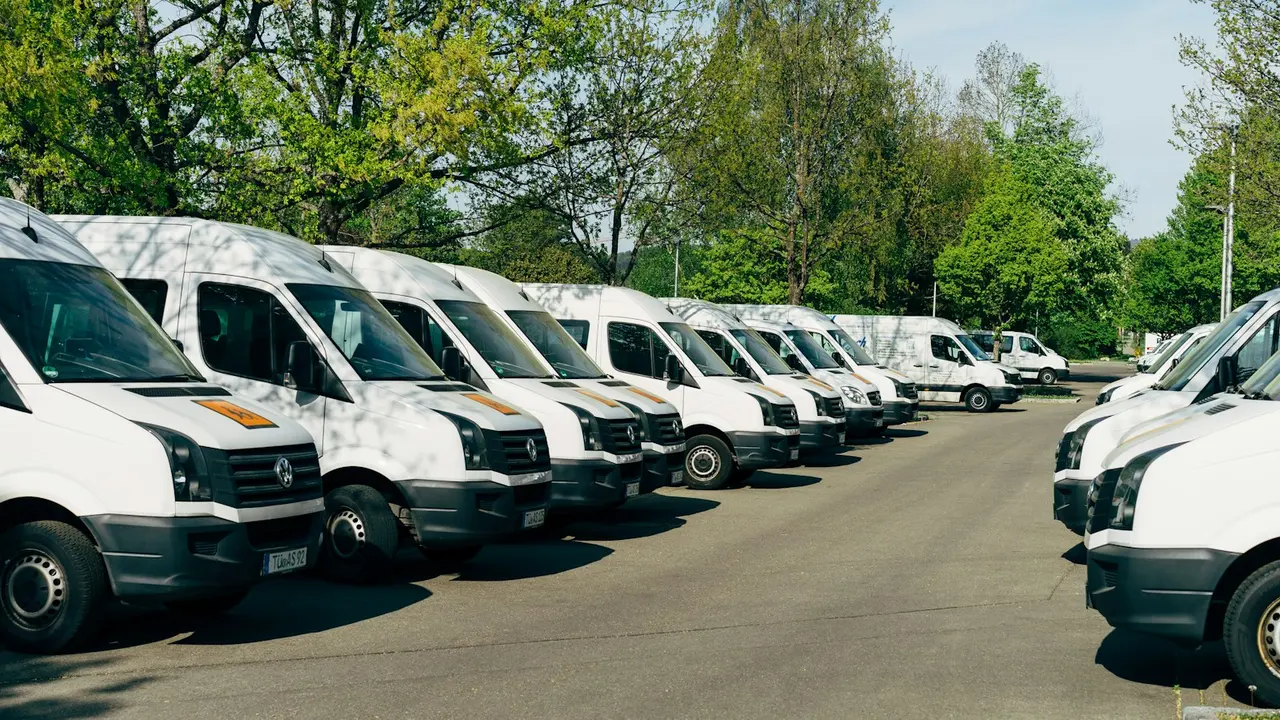
Jobs and live vehicle locations on one board, so dispatch can send the nearest person who is qualified and free.
03 · Technician app
Everything the job needs, on a phone.
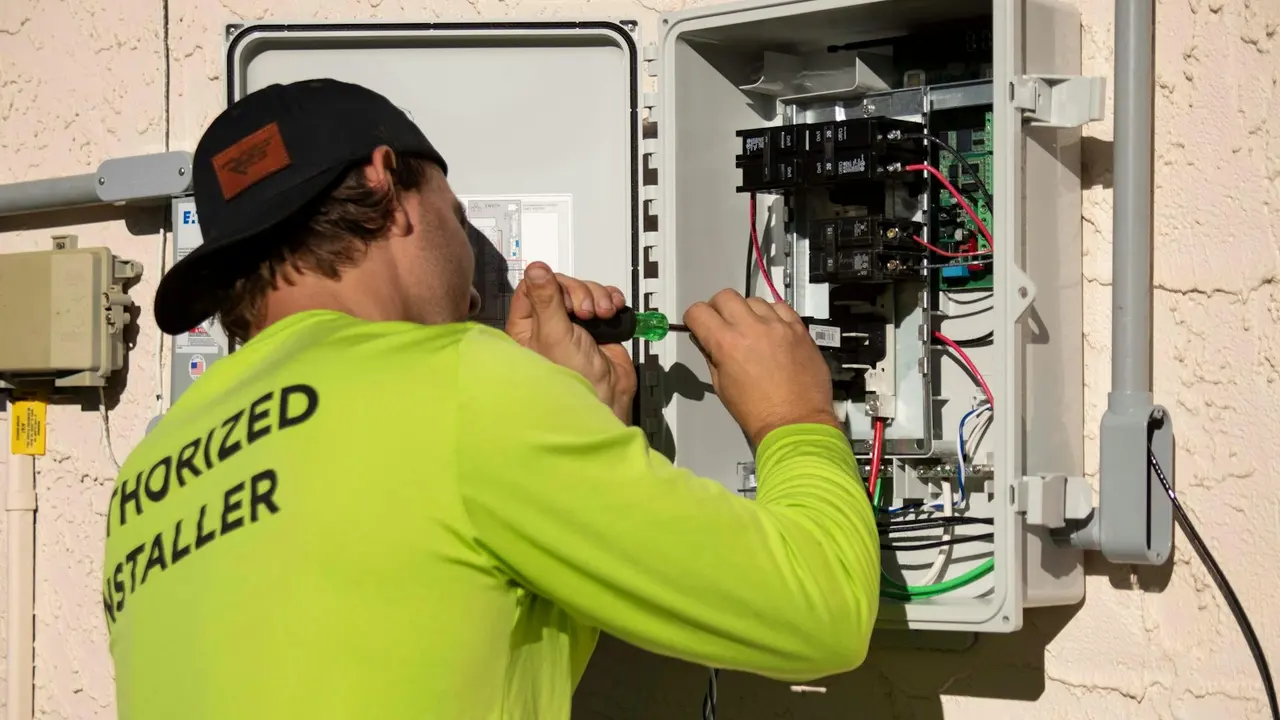
Technicians see the job, the site history and the asset, complete checklists and forms, add photos and capture sign-off on their phone.
04 · Job costing
Know what each job really cost.
Labour from the timesheet, travel from the vehicle and parts used are recorded against each job, so you can see which work makes money.
05 · Asset history
Every job, kept with the asset.
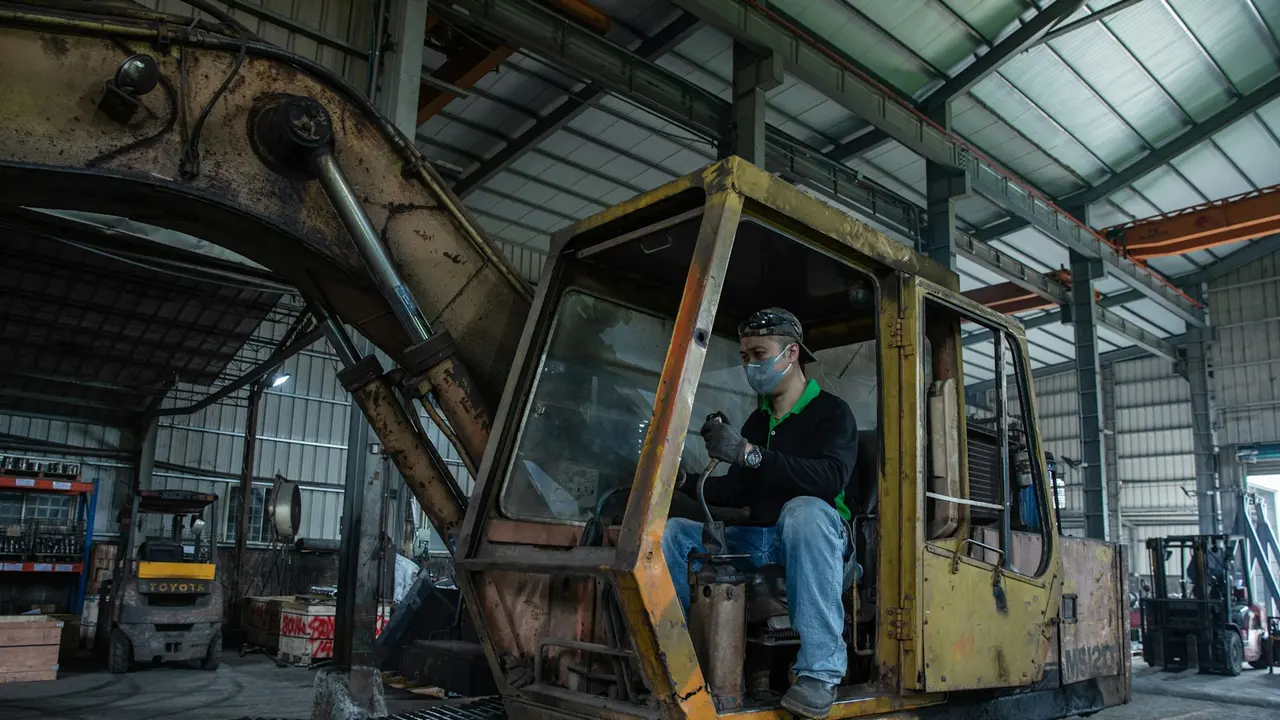
When a job is done on an asset in NAMS, the work is added to that asset's history automatically.
NAIVA · AI for Job Management
“Which jobs ran over their planned time last week, and why?”
Seven jobs ran over. Four were waiting on parts, two had longer travel than planned from a depot further away, and one needed a second visit. Together they added about eleven labour hours.