Launching January 2027Finally a complete business and vehicle monitoring eco-system in one AI Powered SolutionRegister for early access
Building Solutions for Business Since 1999
Netcorp360 HR & Payroll · Powered by BrainForge

Rosters, timesheets and pay that know where the work happened.

Powered by BrainForge. Staff and contractors, rosters, timesheets and approvals in one place — with driving hours counted alongside work hours, so you see everyone's whole day.
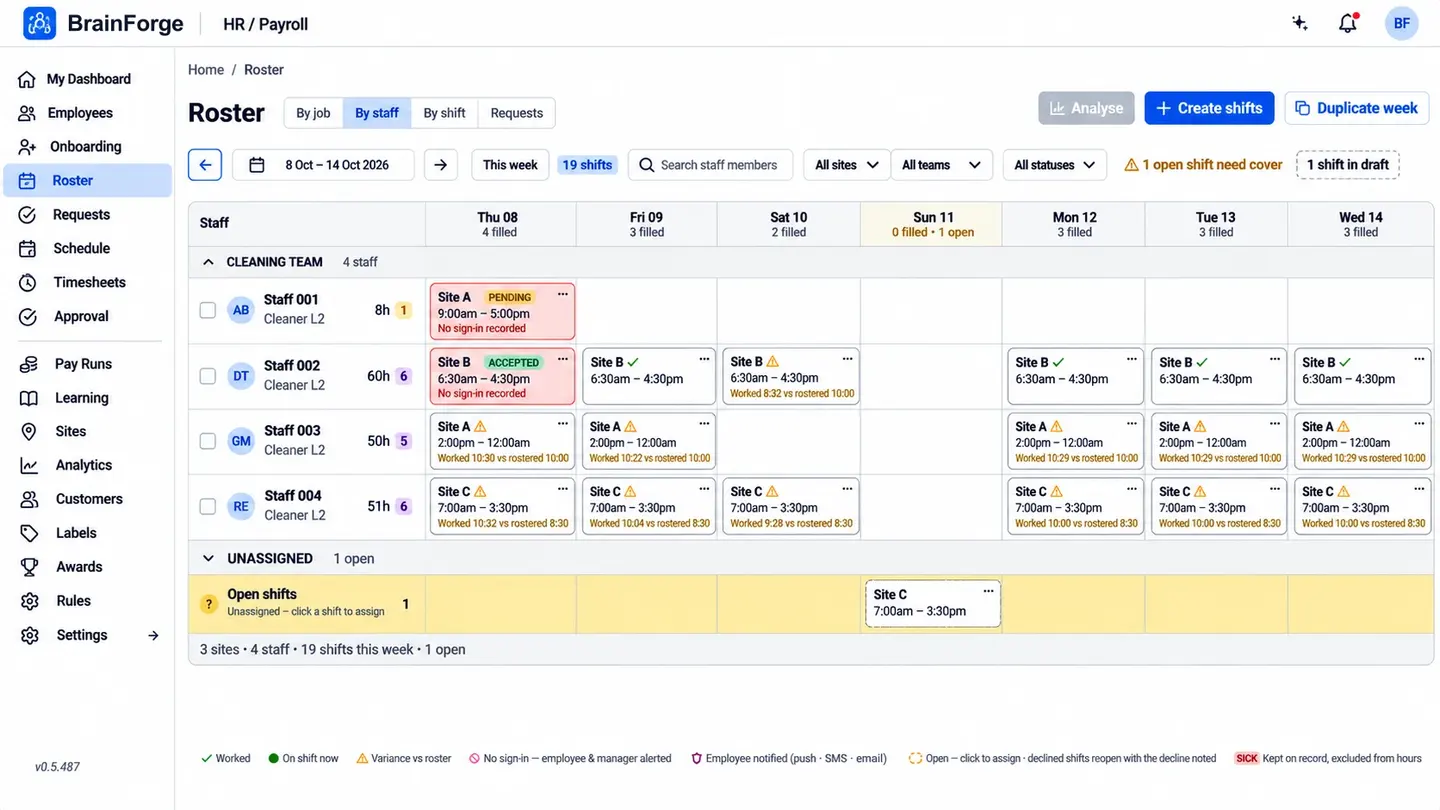
Weekly roster by staff member, with shifts, hours worked against rostered and one open shift
One recordper person, shared by every Netcorp360 product
Own appfor staff to clock on, view rosters and request leave
Whole dayrostered, worked and driving hours in a single view
Any workeremployees, casuals and contractors together
01 · People & contractors

One record for everyone who works for you.

Employees, casuals and contractors in one directory, with licences, tickets, inductions and documents kept against the person and flagged before they expire.
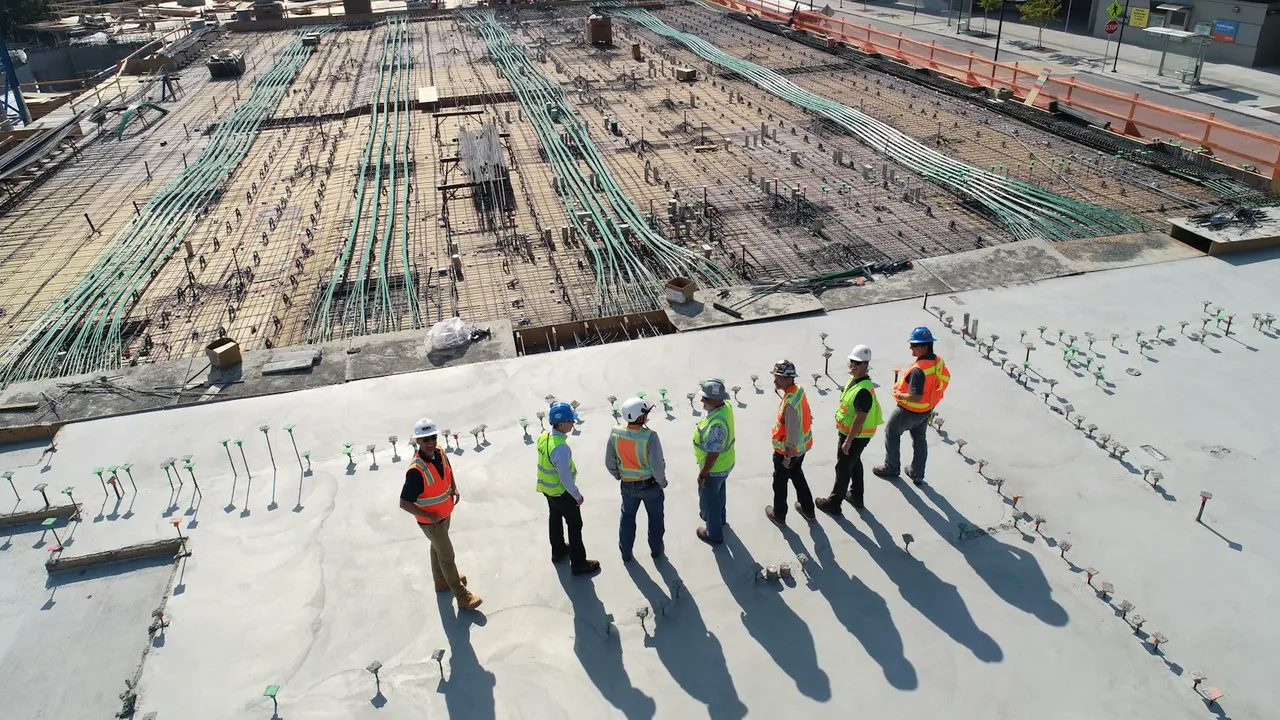

A crew in high-visibility vests standing together on a building site
Two workers in hard hats going over a clipboard on site
02 · Rosters & scheduling

Build the roster around who can actually do the job.

Roster by site, role or crew. Conflicts, expired tickets and people already at their hours limit are flagged while you build, not after the shift.

03 · Timesheets & approvals

Timesheets that fill themselves in.

Staff clock on from the app. With Telematics connected, vehicle activity backs the timesheet, so managers approve the exceptions instead of checking every line.
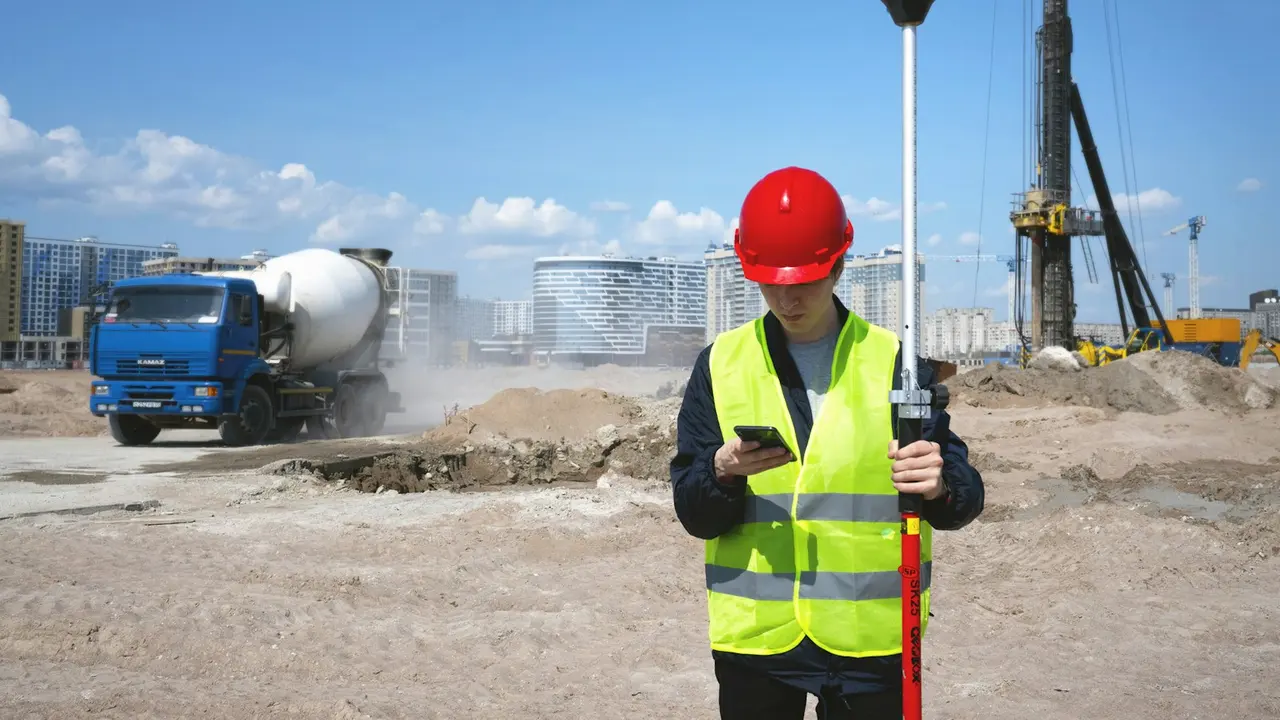
A worker in a hard hat checking a phone on site, a concrete truck behind
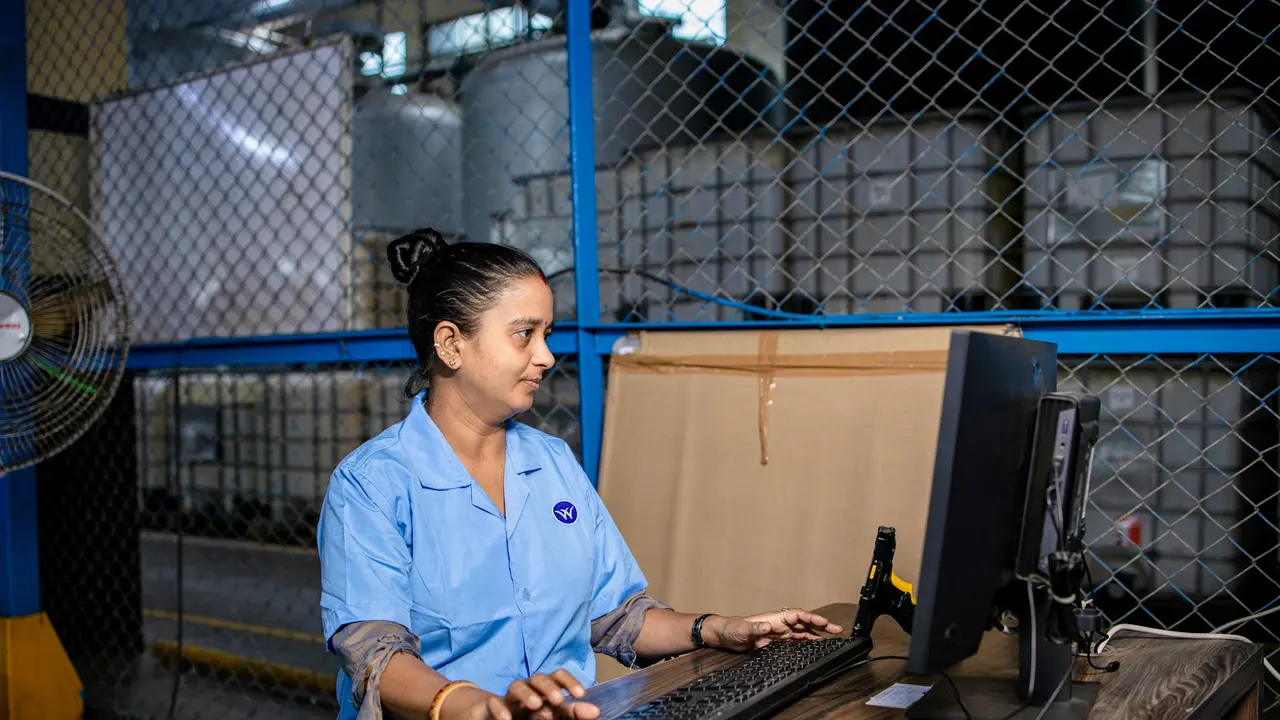
A woman working at a computer in a warehouse office
04 · Payroll

From approved hours to pay, without re-keying.

Approved hours flow through to pay with allowances and overtime applied, and every figure traces back to the shift it came from.

05 · Total work hours

See the whole day, not half of it.

Rostered hours, worked hours and driving hours in one view per person — the full work-exposure picture for managing fatigue and duty of care.
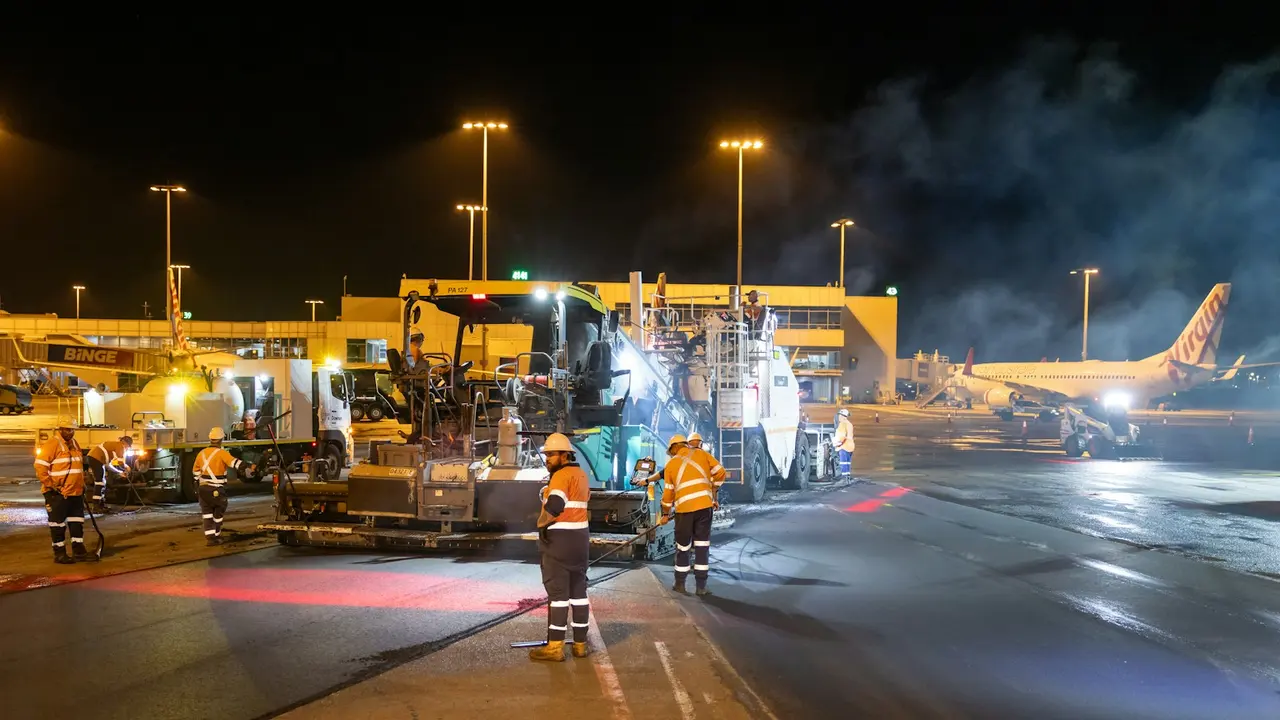
A crew and paving machines working at night under floodlights
NAIVA · AI for HR & Payroll

“What has John Smith done in driving hours versus normal work hours over the last 14 days, and what does he cost to employ?”

John worked 96 hours: 58 driving and 38 on other duties. He drove four trucks and is within his work and rest limits. His cost to employ for the period is shown beside the team average.

Illustrative example
Can we use HR & Payroll without Telematics?

Yes. It works on its own. With Telematics connected, driving hours and vehicle activity are added to each person's record automatically.

Does it handle contractors as well as employees?

Yes. Contractors sit in the same directory, with their own licences, tickets and documents, and can be rostered alongside staff.

Which countries does payroll support?

Payroll rules differ by country. Tell us where you operate and we'll confirm what is supported at launch. [CONFIRM WITH PRODUCT TEAM]

See your roster, timesheets and pay in one place.

Register for early access