Launching January 2027Finally a complete business and vehicle monitoring eco-system in one AI Powered SolutionRegister for early access
Building Solutions for Business Since 1999
NAMS · Netcorp Asset Management System

Every asset, from first service to final sale.

One register for vehicles, plant, trailers and tools — with pre-starts, servicing, faults, bookings and costs that update themselves from real usage.
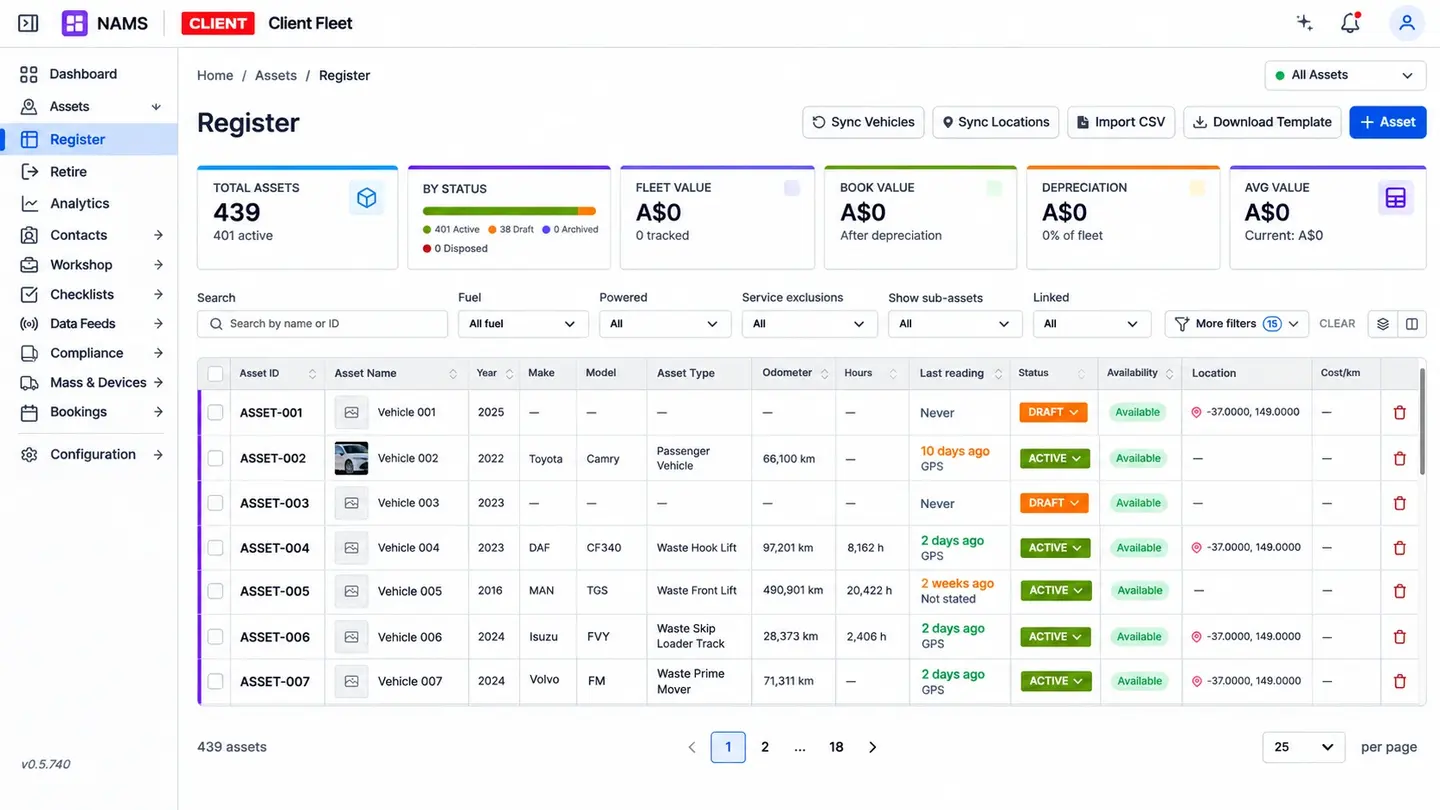
Asset register with totals by status and a table of vehicles, odometers and last readings
Any assetvehicles, plant, trailers, tools and equipment in one register
Real usageservicing on live engine hours and kilometres, not guesswork
QR pre-startsscan, check and report a fault from any phone
Full audit trailwho changed what, and when, on every asset
01 · Asset register

Everything about an asset, in one record.

VIN, registration, serial, make and model, fuel type, ownership, custodian, location, documents and history — plus your own custom fields.

  • Owned, leased, novated or hired — tracked the same way
  • Business unit, cost centre and project on the same asset at once
  • Every change recorded: who, what and when
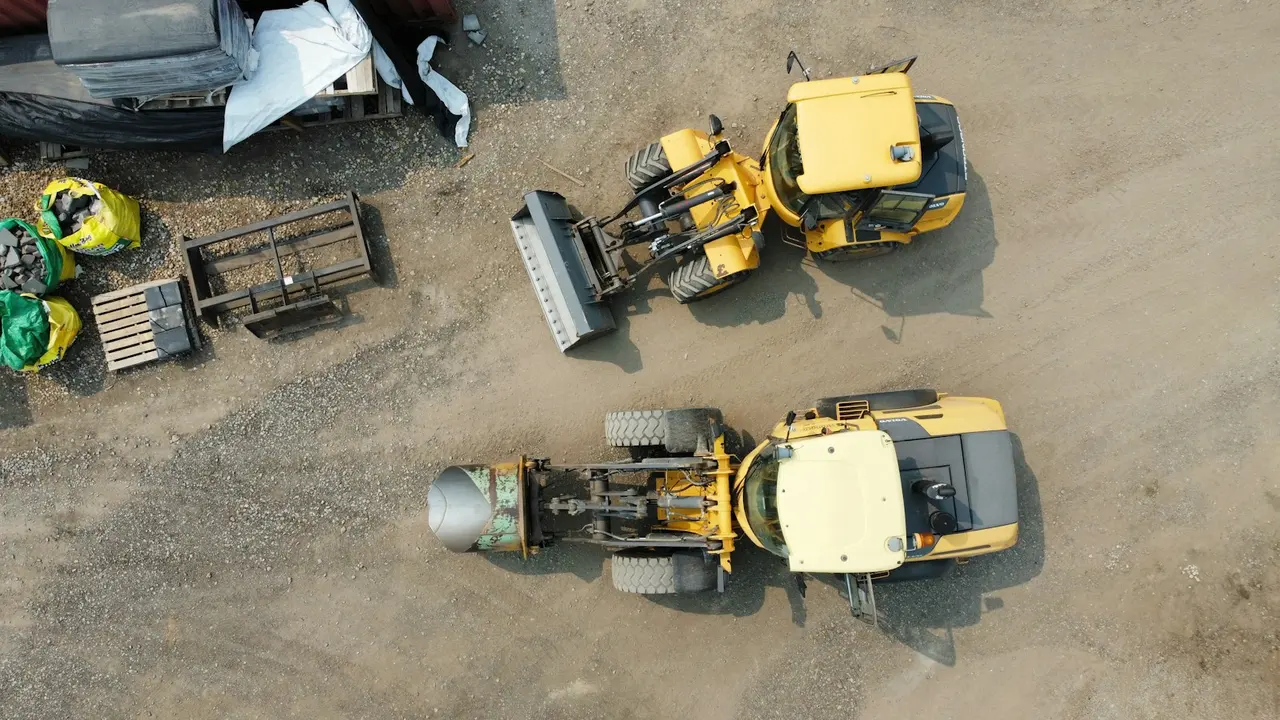
A loader and a roller parked in a yard, seen from above
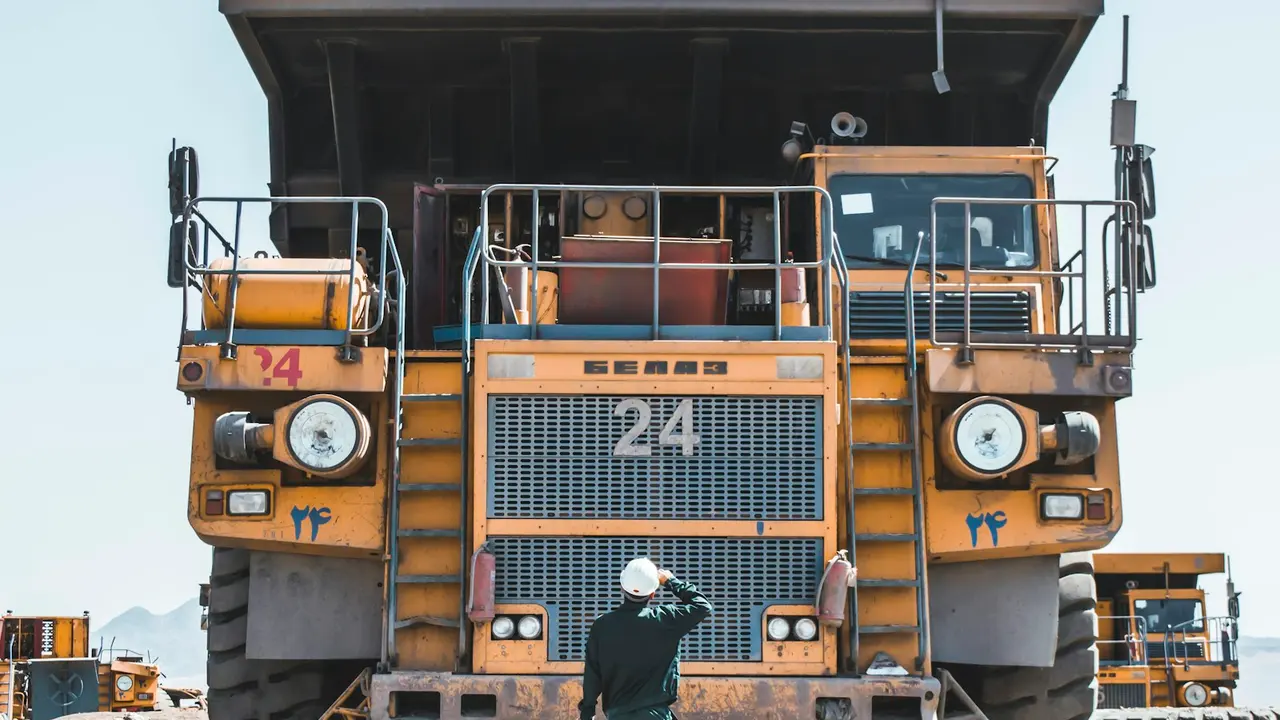
An operator standing in front of a mine haul truck
02 · Pre-starts & inspections

Scan the QR code. Do the check. Done.

Operators check the right items for that asset on their phone. A failed item raises a fault, with photos, before the machine leaves the yard.

How pre-starts work →
03 · Servicing & maintenance

Service on what's actually been used.

With Telematics connected, engine hours and kilometres flow in automatically, so services come due on real usage and the workshop sees them coming.

  • Schedules by hours, kilometres, date — or whichever comes first
  • Workshop notified ahead of time
  • Service history kept with the asset for resale
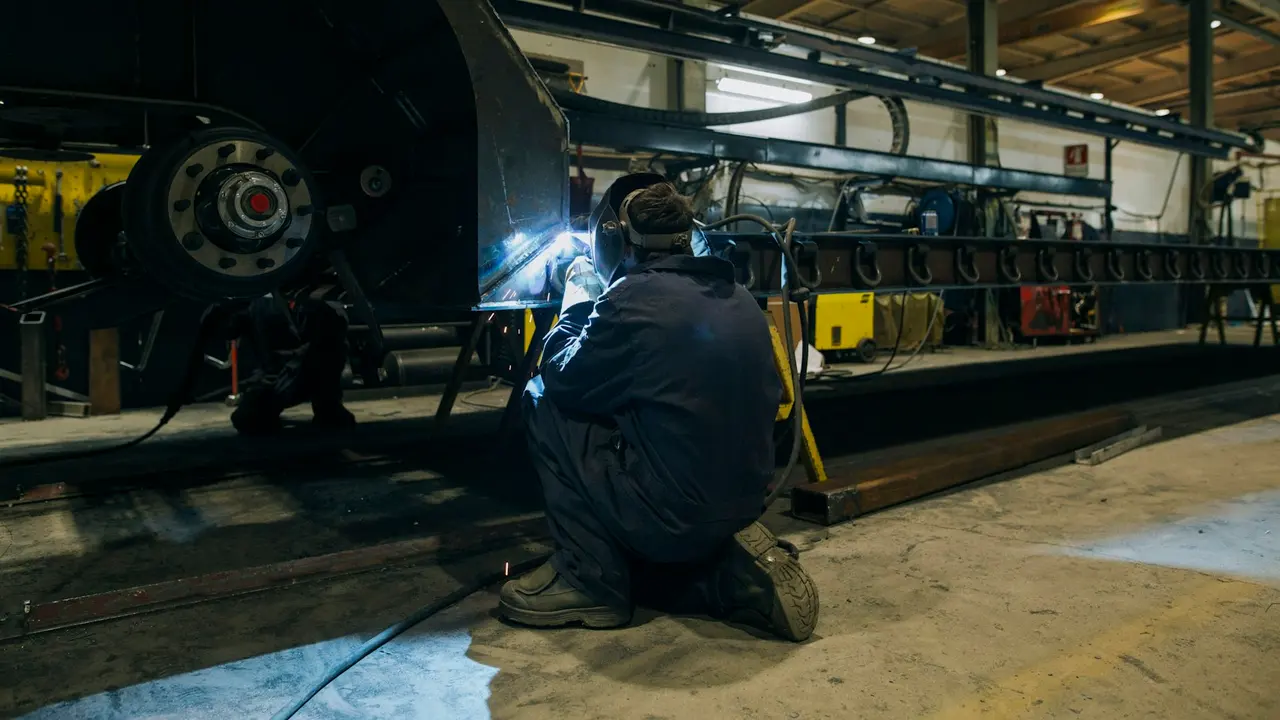
A technician working on a heavy vehicle chassis in a workshop
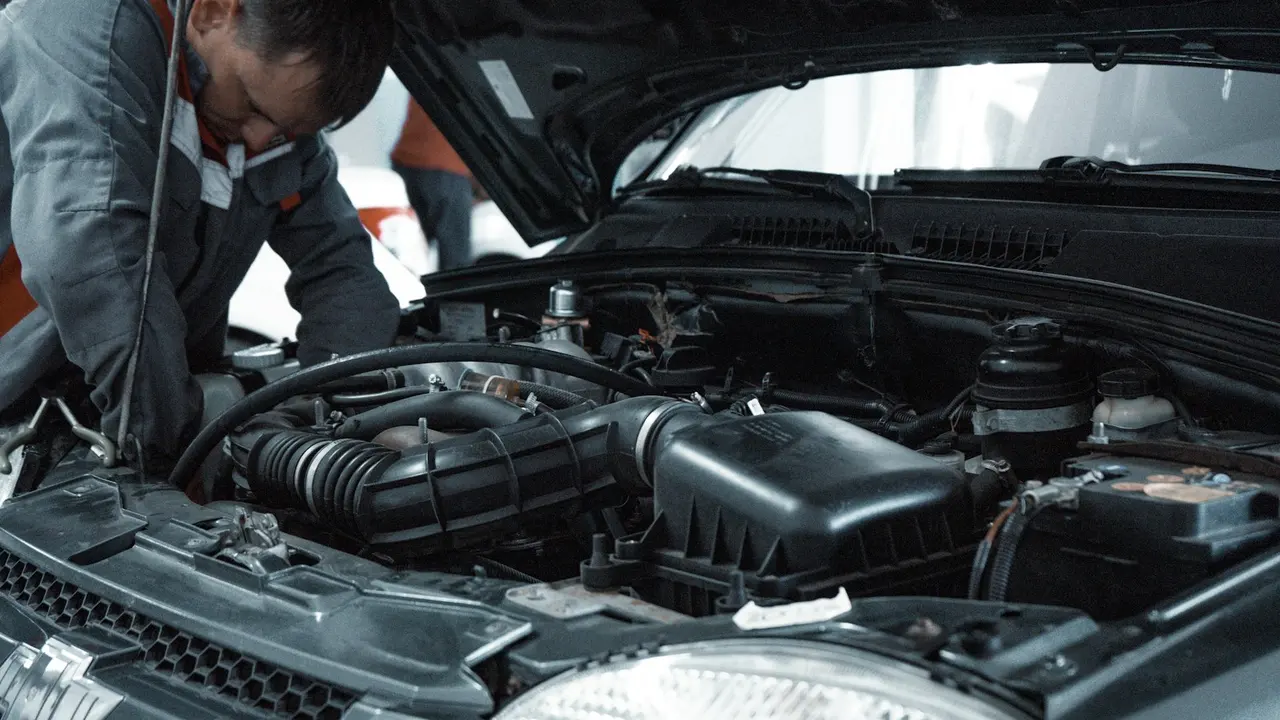
A mechanic looking over an engine with the bonnet up
04 · Faults & defects

From reported to fixed, with nothing lost.

Faults come in from pre-starts, operators or engine fault codes, get assigned to the workshop, and close with a record of what was done.

05 · Lifecycle & cost

Know when to keep it, and when to replace it.

Purchase, servicing, faults, fuel and utilisation in one place, so replacement decisions come from the asset's whole history.
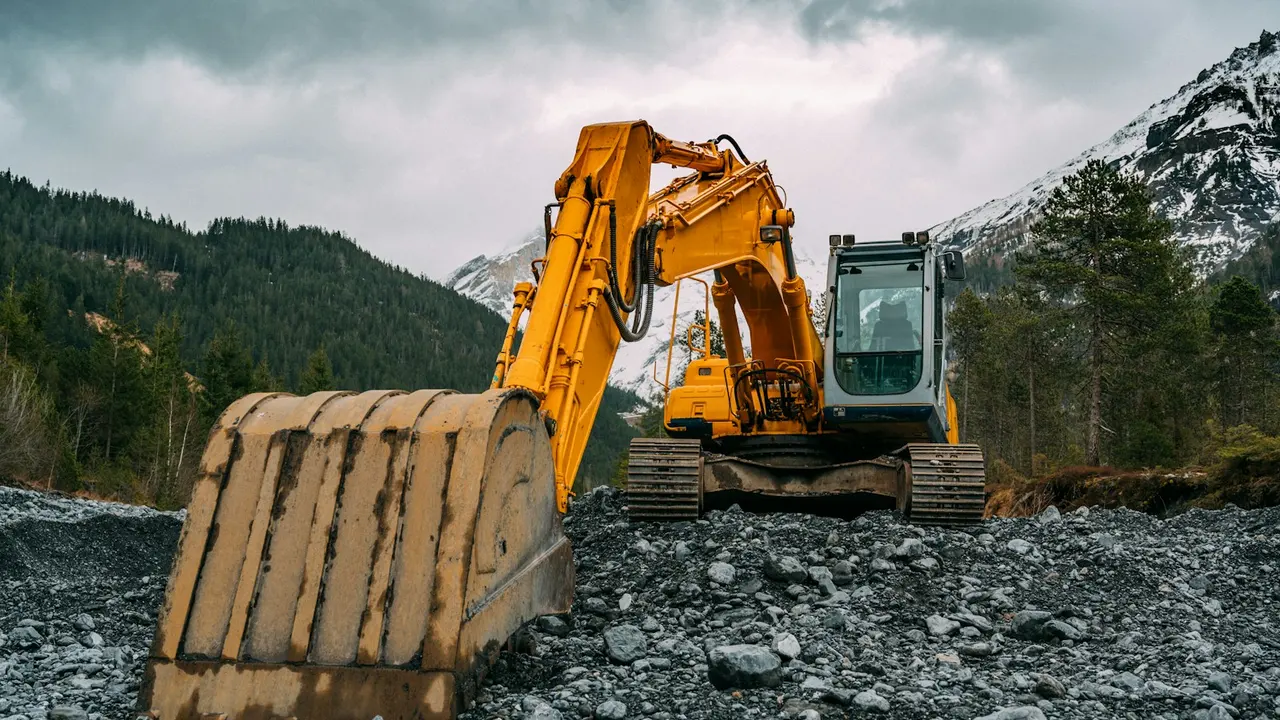
An excavator working on rocky ground
Vehicle Booking · built into NAMS

Pool vehicles and equipment, booked in a few taps.

Staff book what they need, managers approve, and utilisation shows which assets you could do without.

Explore Vehicle Booking →
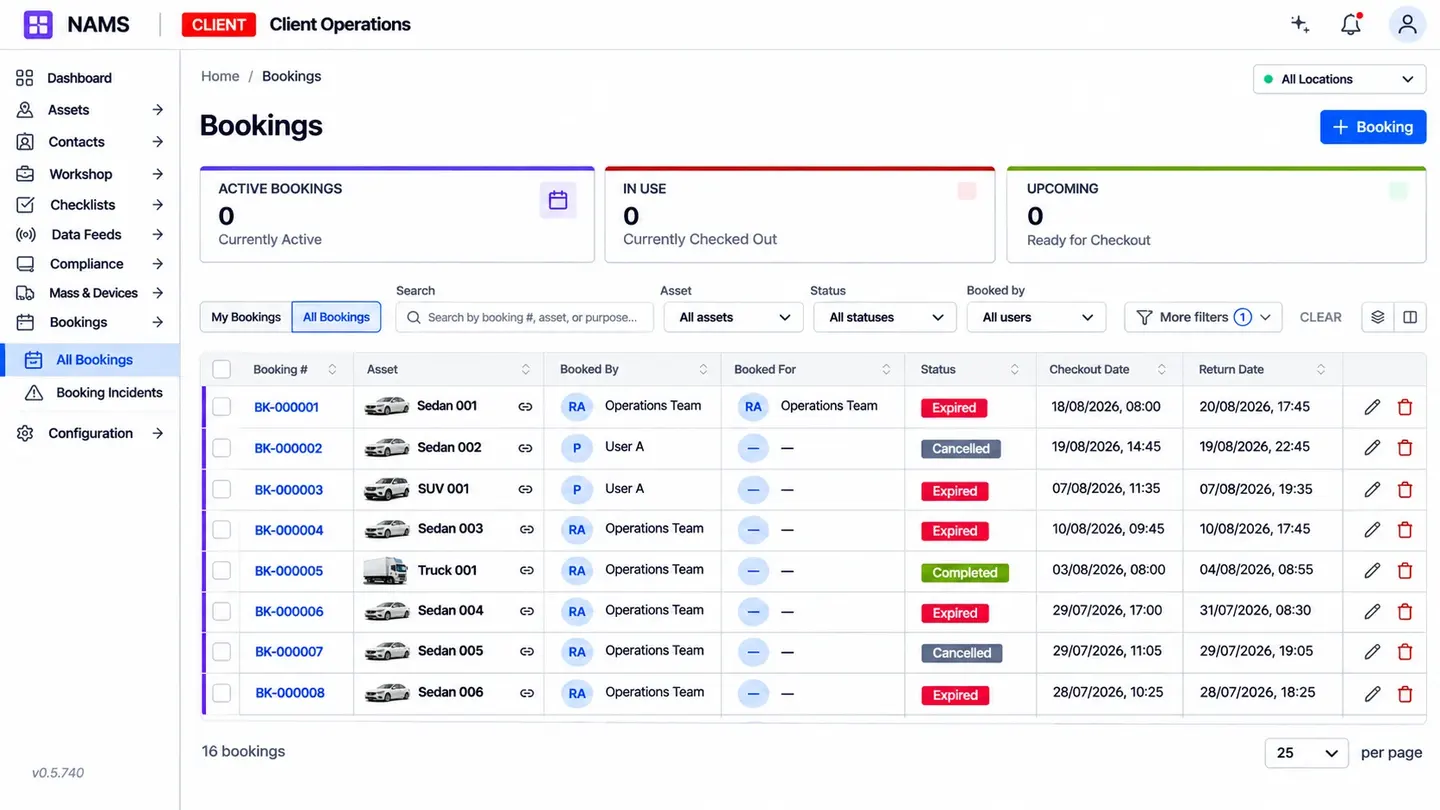
Vehicle bookings list with who booked each vehicle, its status and checkout and return times
NAIVA · AI for NAMS

“Which loaders cost us the most to run this year, and are any due for replacement?”

LDR-012 and LDR-019. Both cost more in repairs this year than the previous two combined, and both are under 50% utilised. LDR-031 is 188 engine hours from its next service.

Illustrative example
Do we need Telematics to use NAMS?

No. NAMS works on its own; with Telematics connected, engine hours and kilometres update automatically.

Can we bring our existing asset list across?

Yes — import from spreadsheets or your current maintenance system, including history.

Does it handle tools and small equipment?

Yes. Tools from other platforms can sit on the same map and register, under one lifecycle view.

Can operators do pre-starts offline?

Yes. Pre-starts work without coverage, and results sync as soon as the phone reconnects.

See NAMS with your own asset list.

Register for early access